
Would you like to save this?
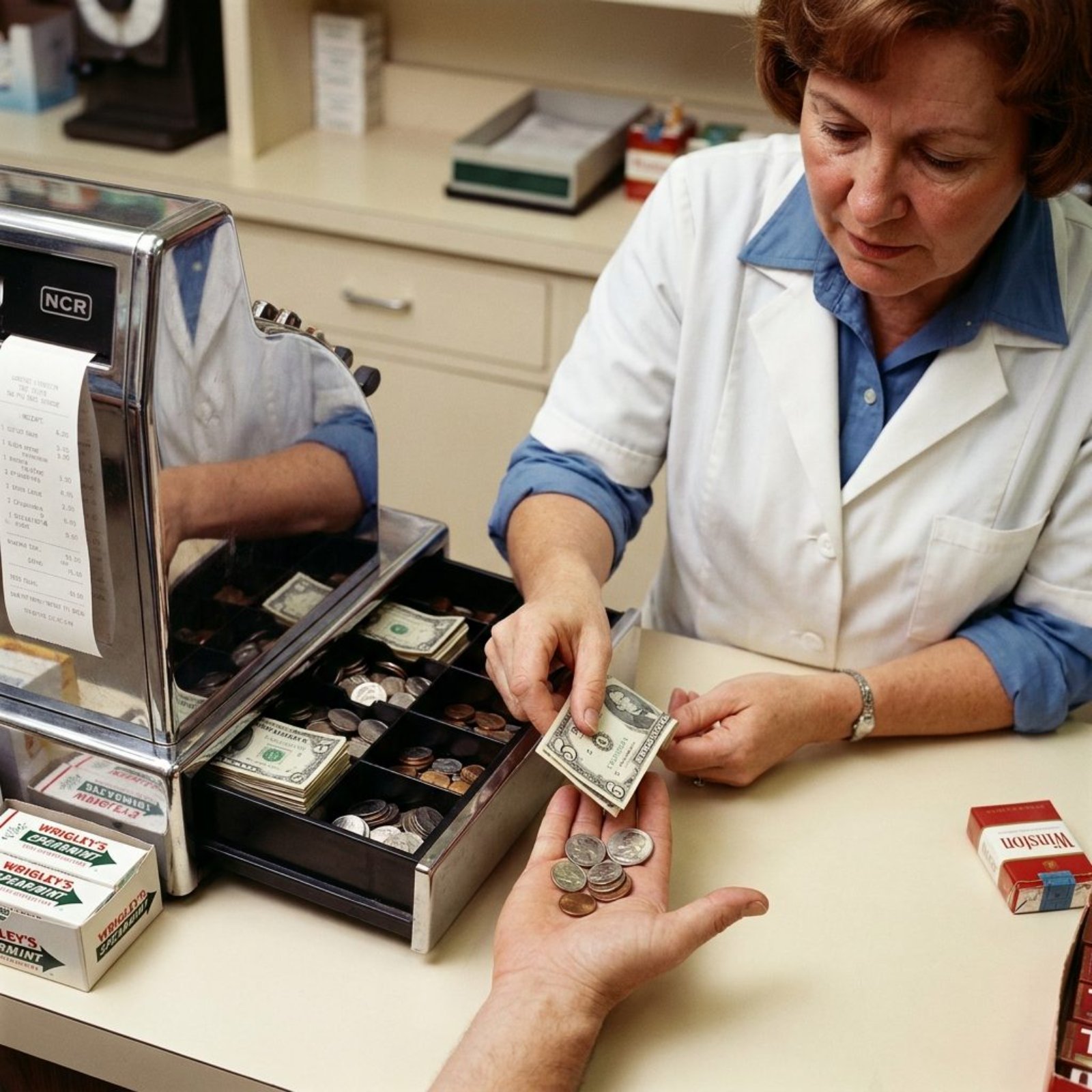
The sound was the giveaway. A heavy metal clang, the drawer flying open like it had somewhere to be, the cashier’s fingers punching keys hard enough to leave marks behind on the plastic. That was checkout in 1975, and half the store could hear you buying a loaf of bread. The register was big, physical, and impossible to ignore. It rang up the sale with mechanical confidence and depended on the person behind it to know what happened next.
Please note that some of the images in this article were created with the assistance of AI.
Fifty years later, much of that apparatus fits on a tablet you could slip into a tote bag. Prices live in databases, receipts disappear into email, inventory changes the instant something sells, and an owner can see Tuesday’s numbers without being anywhere near the store. These 25 before-and-afters show just how much changed at the checkout counter.
25. The Mechanical Clang vs. the Silent Tap
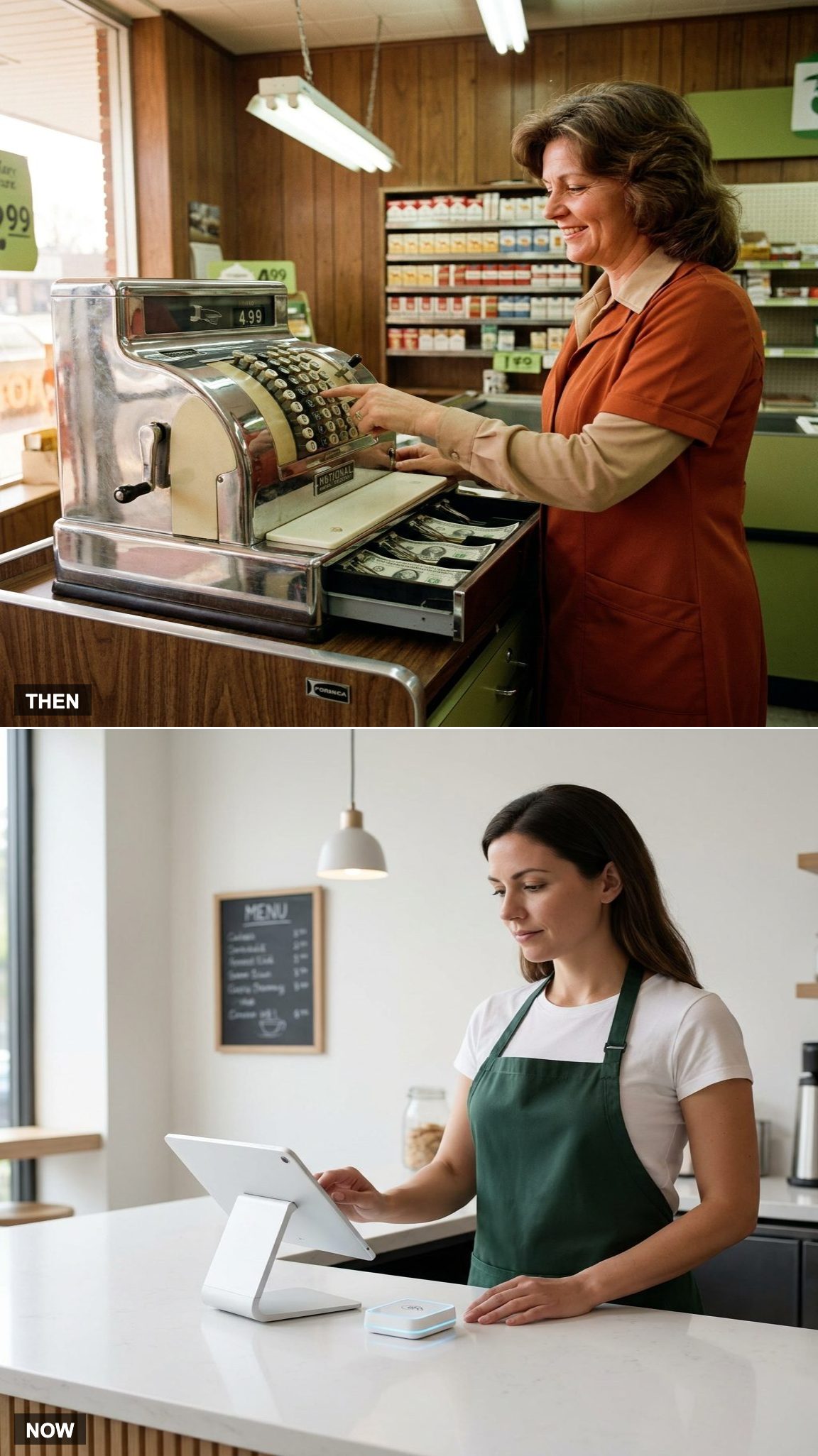
The 1975 register announced itself. Keys clacked, mechanisms moved, and the drawer could spring open with a metallic bang that carried across the store. A transaction had weight to it, right down to the sound.
Checkout can be remarkably quiet now — a fingertip on glass, a card or phone held over a reader, then a restrained electronic chime. The theater mostly disappeared along with the effort required to hammer through a long line of mechanical keys.
24. Punching Prices vs. Scanning Barcodes
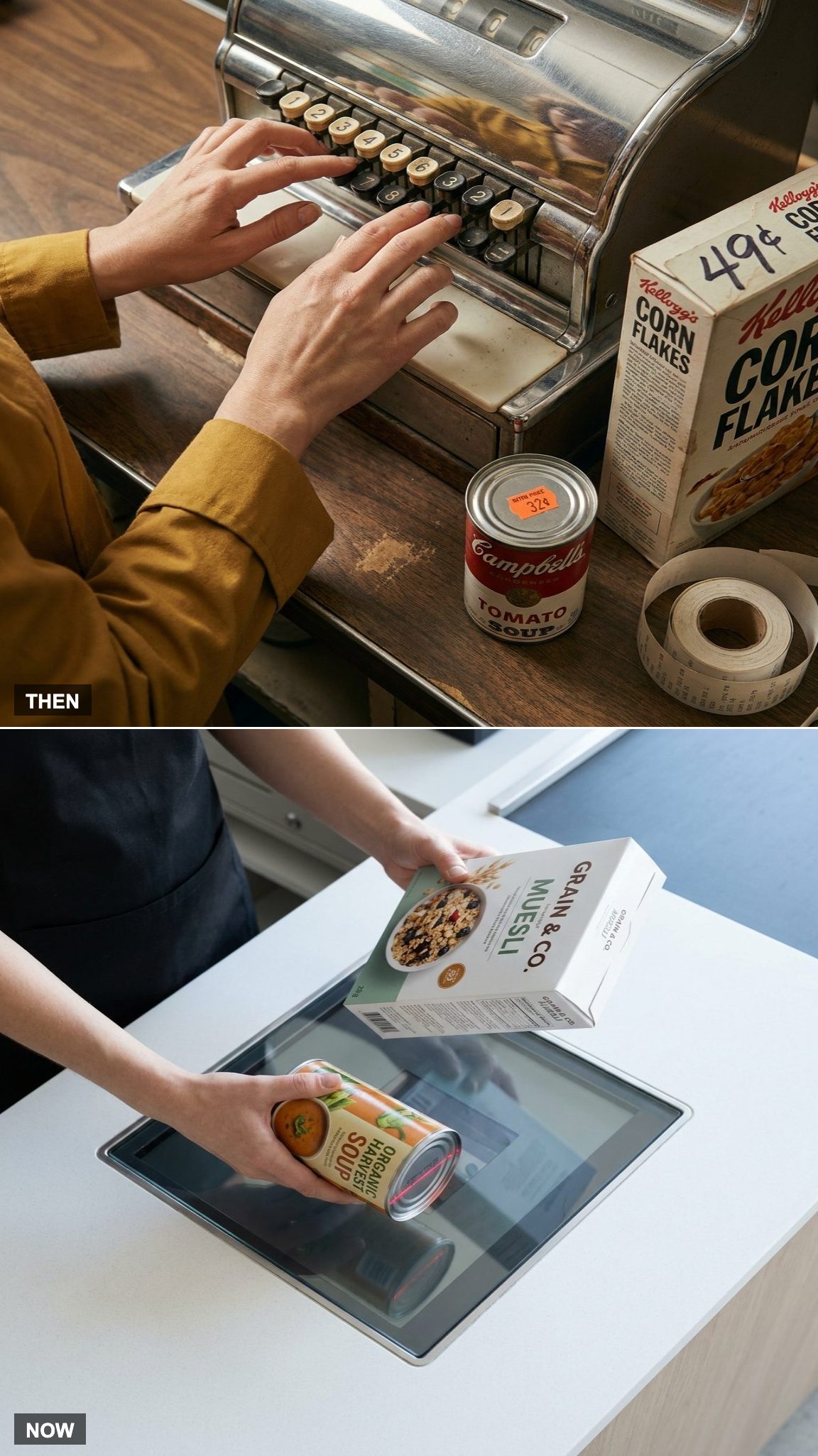
Before barcode scanning spread through retail, prices often had to be keyed into the register one item at a time. Thirty-two cents. Punch, punch, punch. A large grocery order could turn checkout into a rapid exercise in numbers, memory, and hand-eye coordination.
The barcode changed that rhythm. The technology itself dated back decades, but commercial supermarket scanning finally arrived in 1974 and expanded gradually from there. Eventually the beep replaced thousands of individual keystrokes and linked each product to a central price file instead of asking the cashier to enter everything manually.
23. Cash on the Counter vs. Tap to Pay
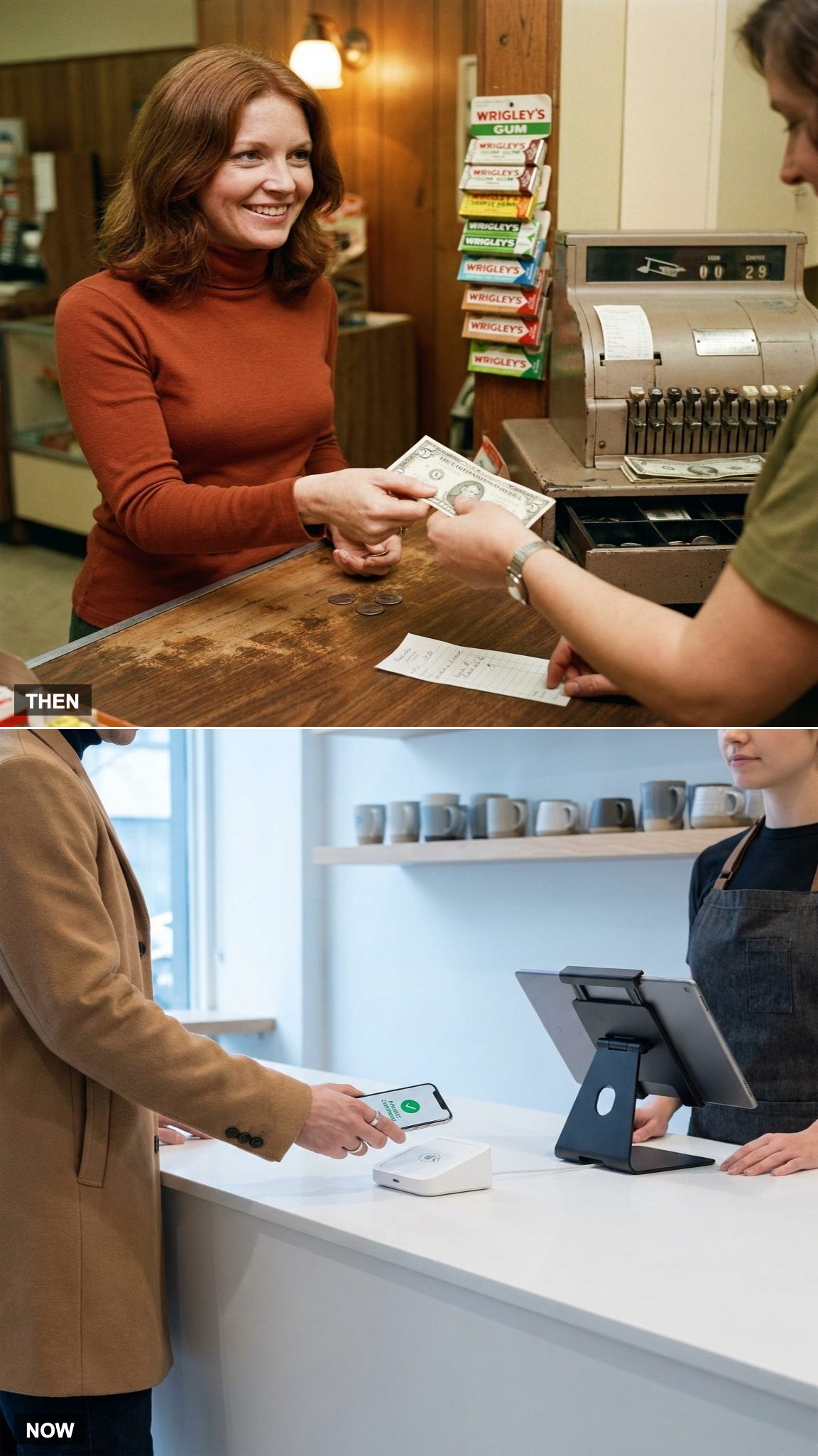
Cash dominated everyday checkout. You opened the wallet, counted out bills, waited while change came back, and heard the coins hit their compartments in the drawer. Busy stores periodically removed excess bills from registers because all that physical money had to be managed somewhere.
Today the drawer may barely open during some shifts. Cards, phones, watches, and other contactless methods can complete the payment without a bill or coin changing hands. A growing number of businesses have even experimented with going cashless — an idea that would have seemed extraordinary at an ordinary 1975 checkout.
22. The Handwritten Slip vs. the Email Receipt
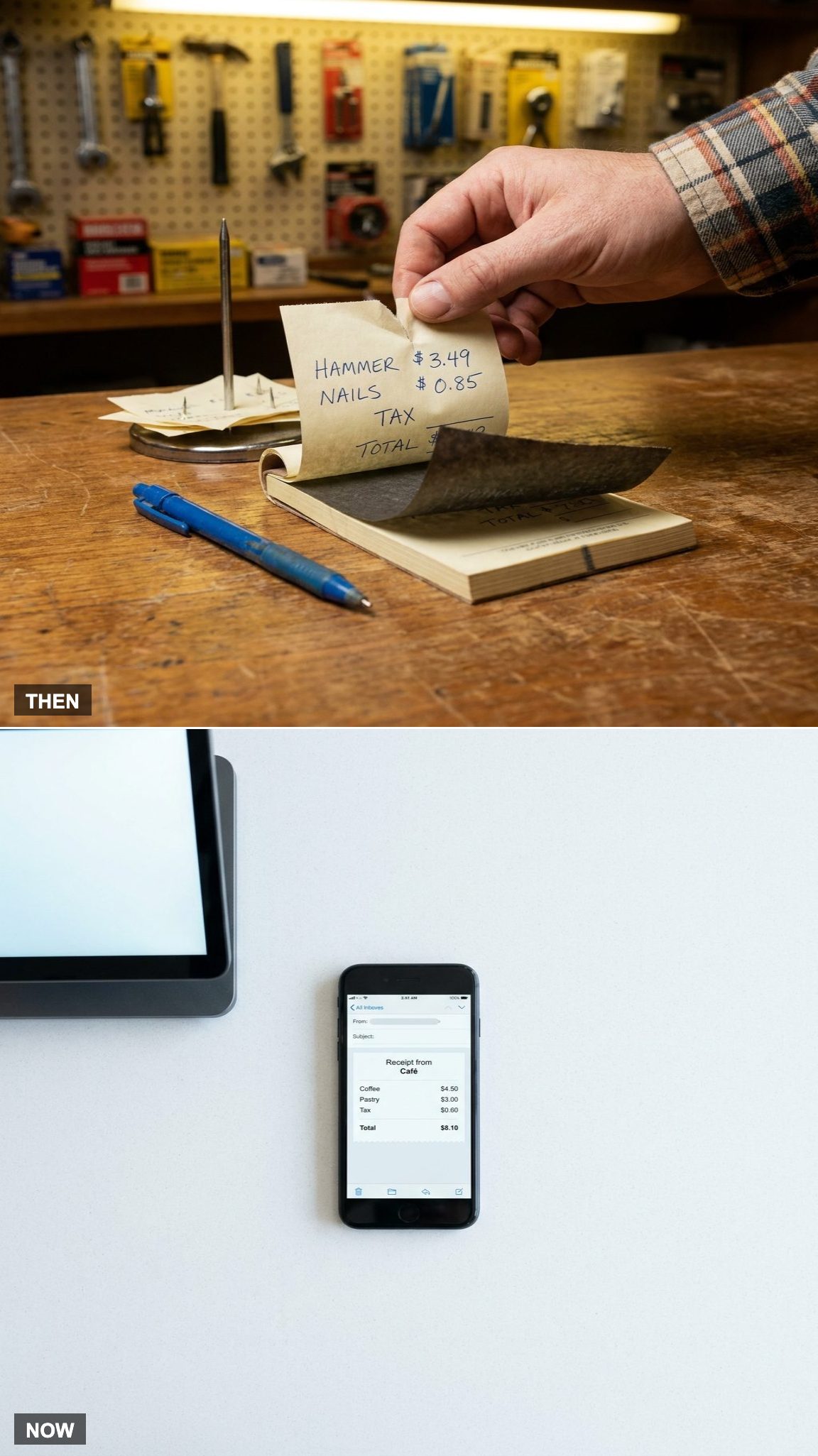
At many small independent shops, the receipt could still be handwritten. Blue ballpoint on a carbon form, one copy for the customer and another for the business. Lose your copy before returning something and the conversation could become considerably more complicated.
Cash registers were already printing receipts elsewhere, of course, but everything still ended on paper. Now the paper itself can be optional. An email or digital receipt arrives before you’ve reached the door and remains searchable long after the paper receipt would have vanished into a kitchen drawer.
21. The Cashier Who Knew the Prices vs. the Database That Holds Them
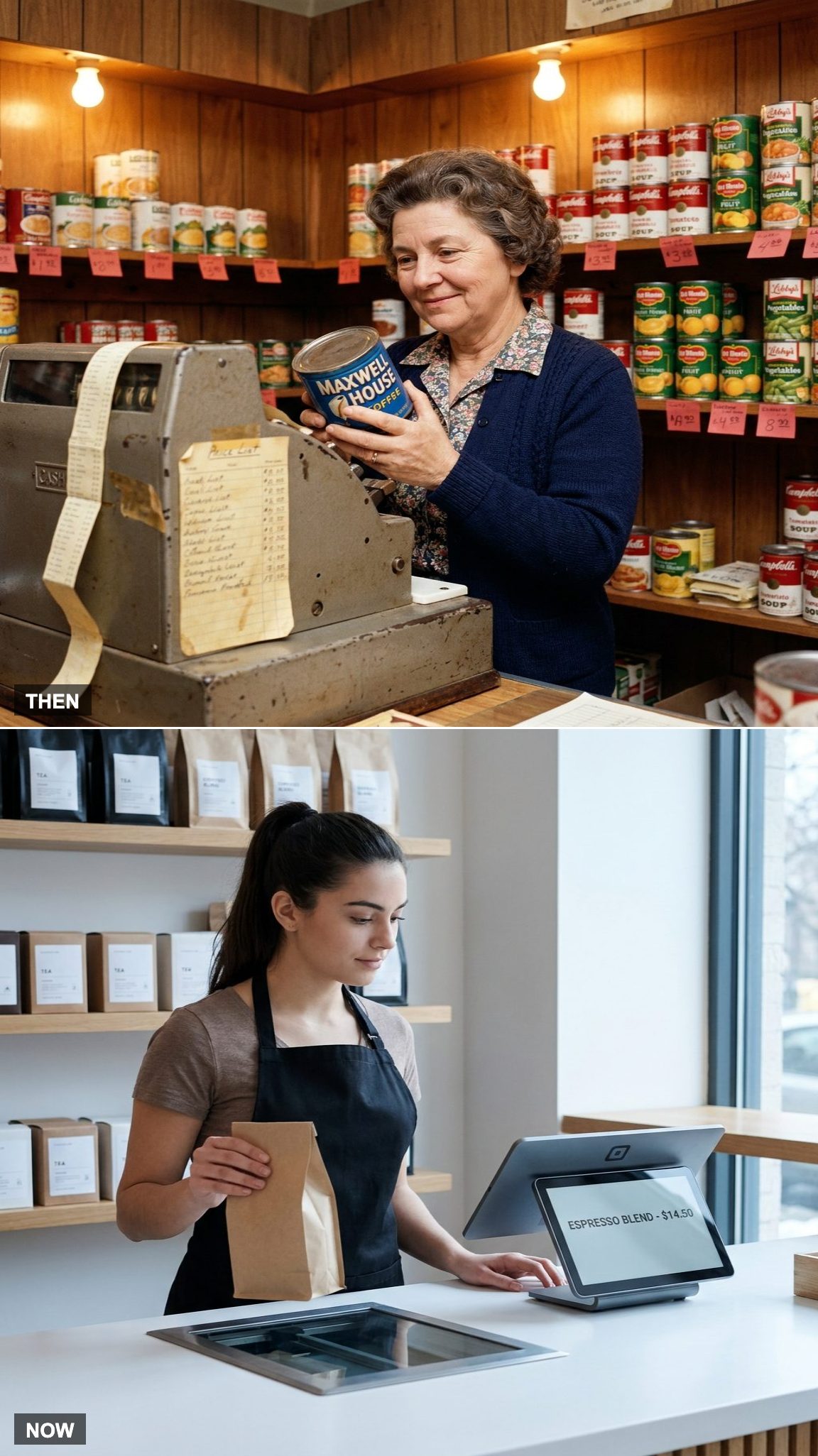
An experienced cashier could carry an astonishing amount of store knowledge in memory. Regular prices, sale prices, department numbers, familiar products, and the odd item whose sticker had fallen off could all be retrieved while a line waited.
Barcode databases gradually moved much of that memory into the machine. The price attached to the product code now comes from a central system, along with promotions and discounts. A skill that once distinguished an experienced cashier became less important as checkout itself learned the merchandise.
20. A Drawer Full of Cash vs. a Drawer That Barely Opens
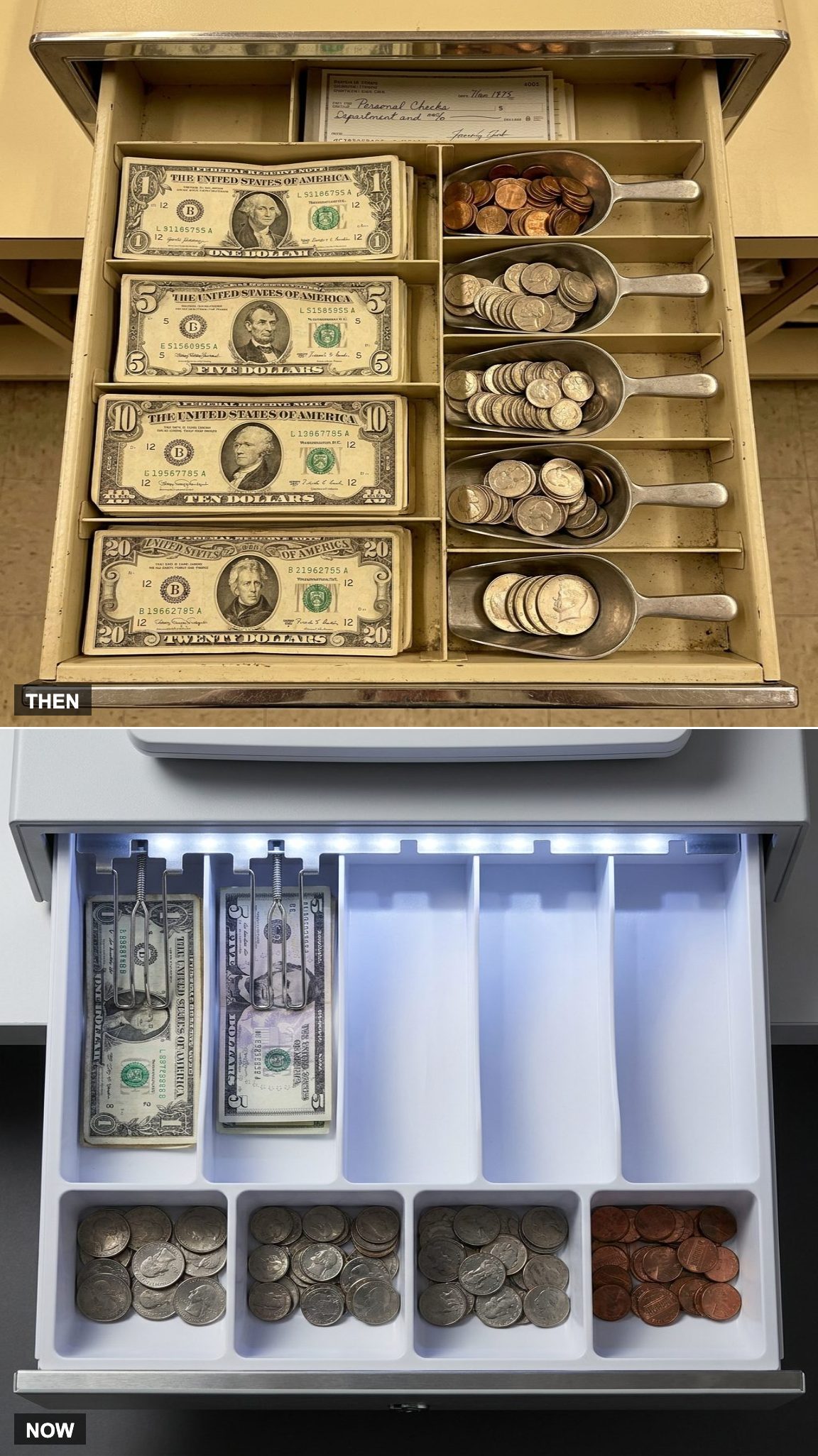
Open a busy cash drawer in 1975 and every compartment had a job. Bills were separated by denomination, coins filled their trays, and managers periodically removed larger notes so too much money didn’t accumulate at one register.
Today’s drawer can look almost underemployed by comparison. In businesses where electronic payment dominates, it may hold little more than enough cash and coins to serve the customers who still prefer them.
The register didn’t stop handling money. Much of the money simply became invisible.
19. Price Sticker Guns vs. Electronic Shelf Labels
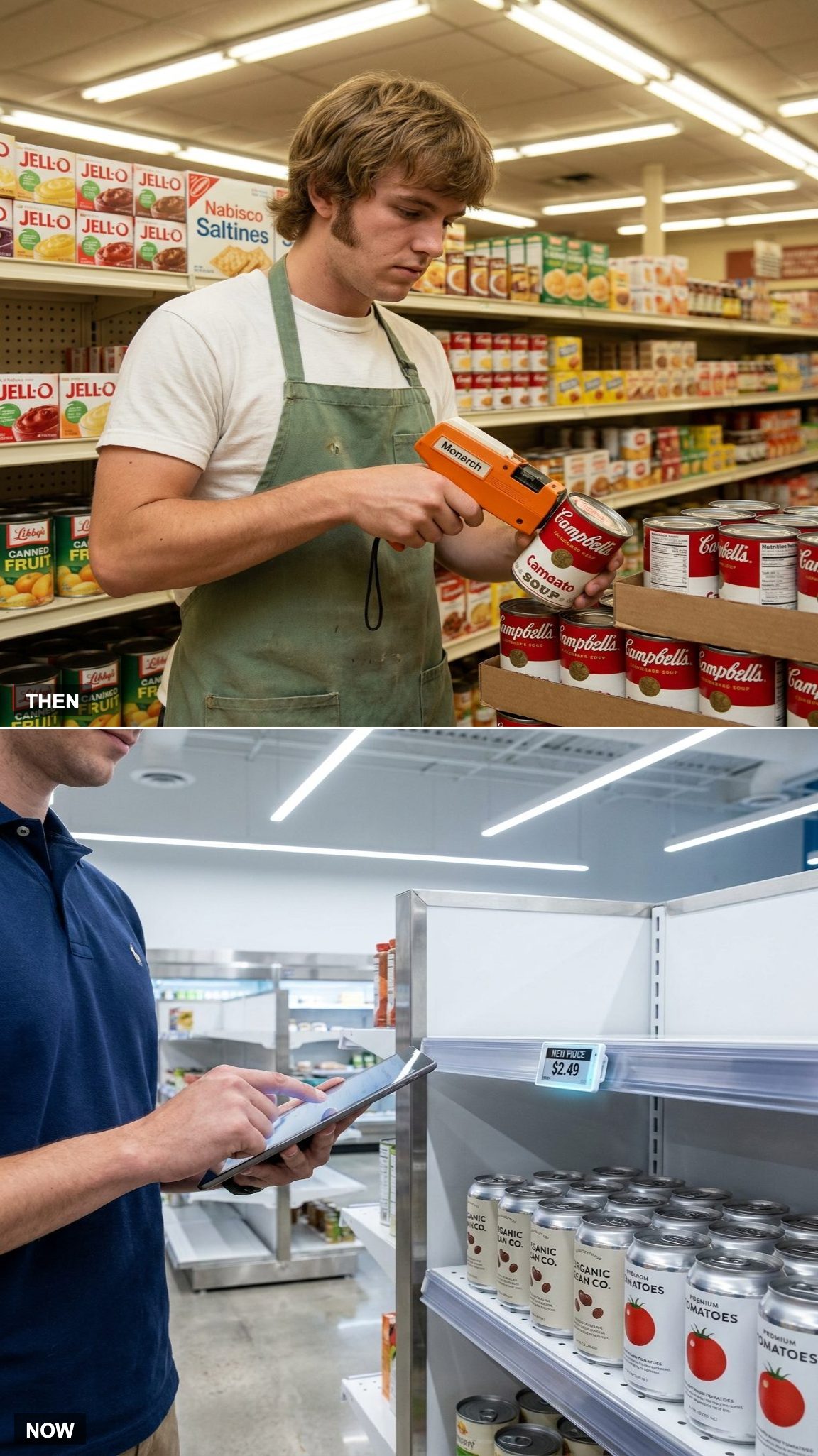
The click-click-click of a pricing gun was part of the retail soundtrack. Individual products could carry little adhesive labels, which meant a price change might send employees through an aisle marking merchandise by hand.
Barcodes shifted the authoritative price from the package to the store’s computer, and electronic shelf labels are pushing the idea further. In stores equipped with them, a central system can change displayed shelf prices without an employee replacing every paper tag.
Nobody has to put a fresh sticker on each can of beans. Somewhere, an old Monarch pricing gun is enjoying retirement.
18. The Refund Form vs. the Digital Return
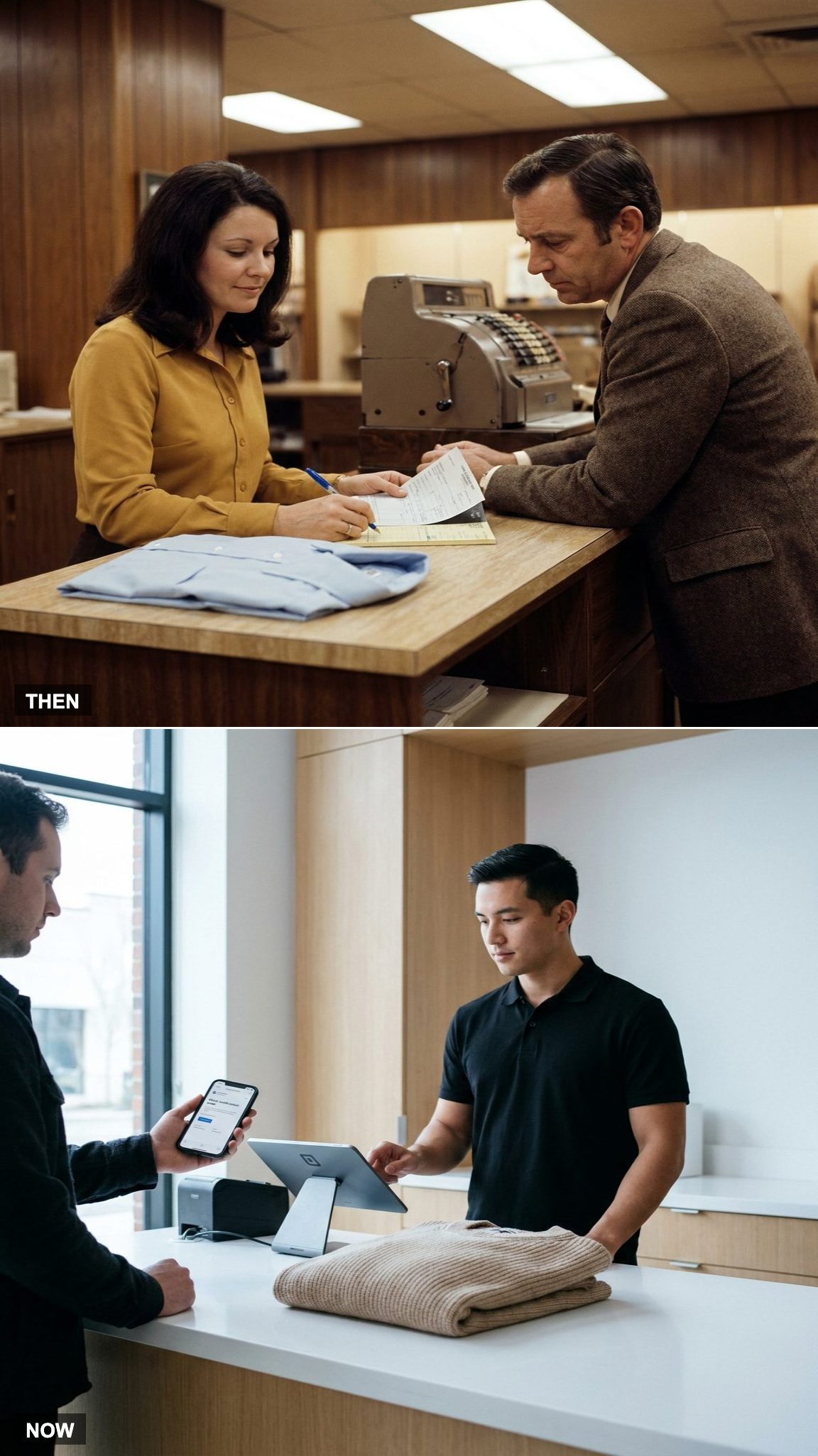
Returns in the paper era could involve considerably more friction than they do now. The merchandise came back to the counter, the receipt mattered, forms might need completing, and a manager could be required depending on the store and the amount involved.
Digital sales records have changed the detective work. A barcode, order number, loyalty account, or digital receipt can often pull up the original transaction immediately. The refund itself may still take time to reach a bank account, but the counter no longer necessarily needs a small archive of carbon copies to prove the purchase happened.
17. The Nightly Tally vs. the Live Dashboard
Would you like to save this?
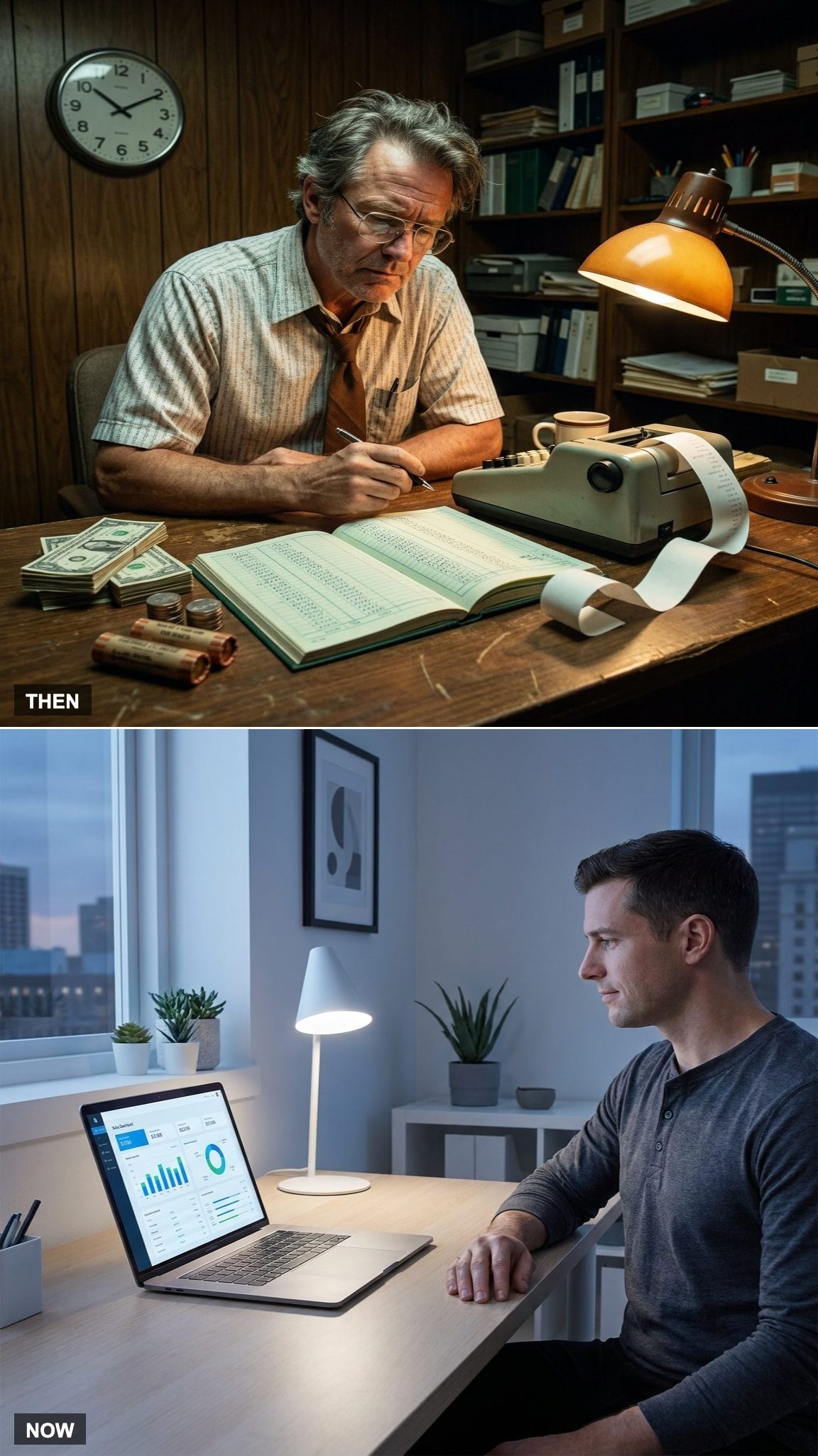
Closing a store once meant finding out how the day had actually gone. Count the cash. Reconcile it against the register tape. Compare totals. Find the discrepancy that somehow appeared between the afternoon rush and locking the front door.
Today’s point-of-sale systems can report sales as they happen. Revenue, taxes, product mix, hourly activity, discounts, and payment types can all appear on a dashboard before the store closes.
The old register told you what happened after the fact. The new system can tell you while it’s happening.
16. One Register, One Store vs. Every Location Connected
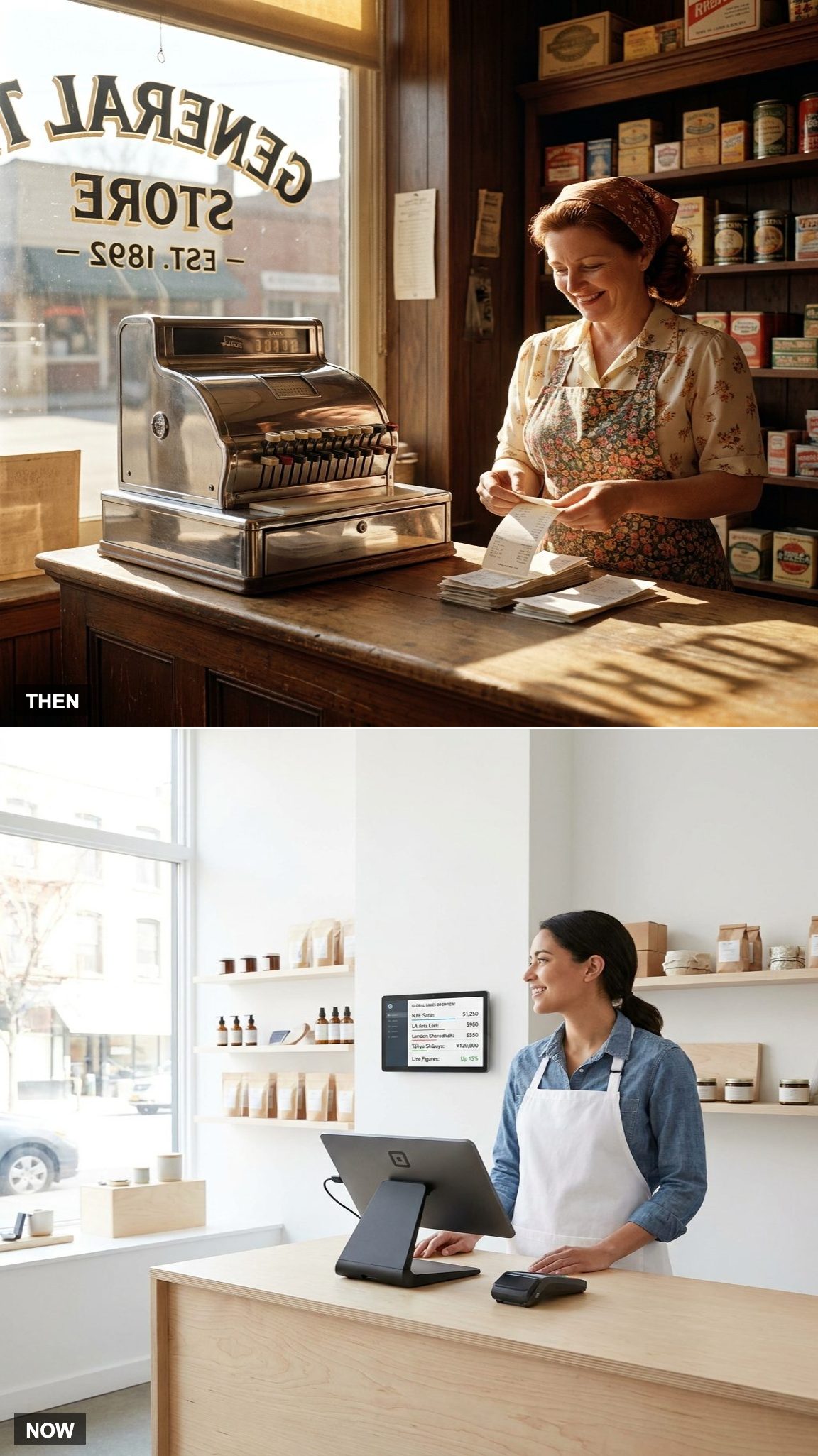
A register in 1975 largely belonged to the store where it sat. A business with several locations had to gather information from those locations and combine it later if the owner wanted to see the whole operation at once.
Cloud-based POS connects the locations instead. Inventory can be shared across stores, customer accounts can travel, and an owner can compare sales without driving across town to collect a stack of reports.
The cash register stopped being an island.
15. Checking the Store in Person vs. Watching It From Anywhere
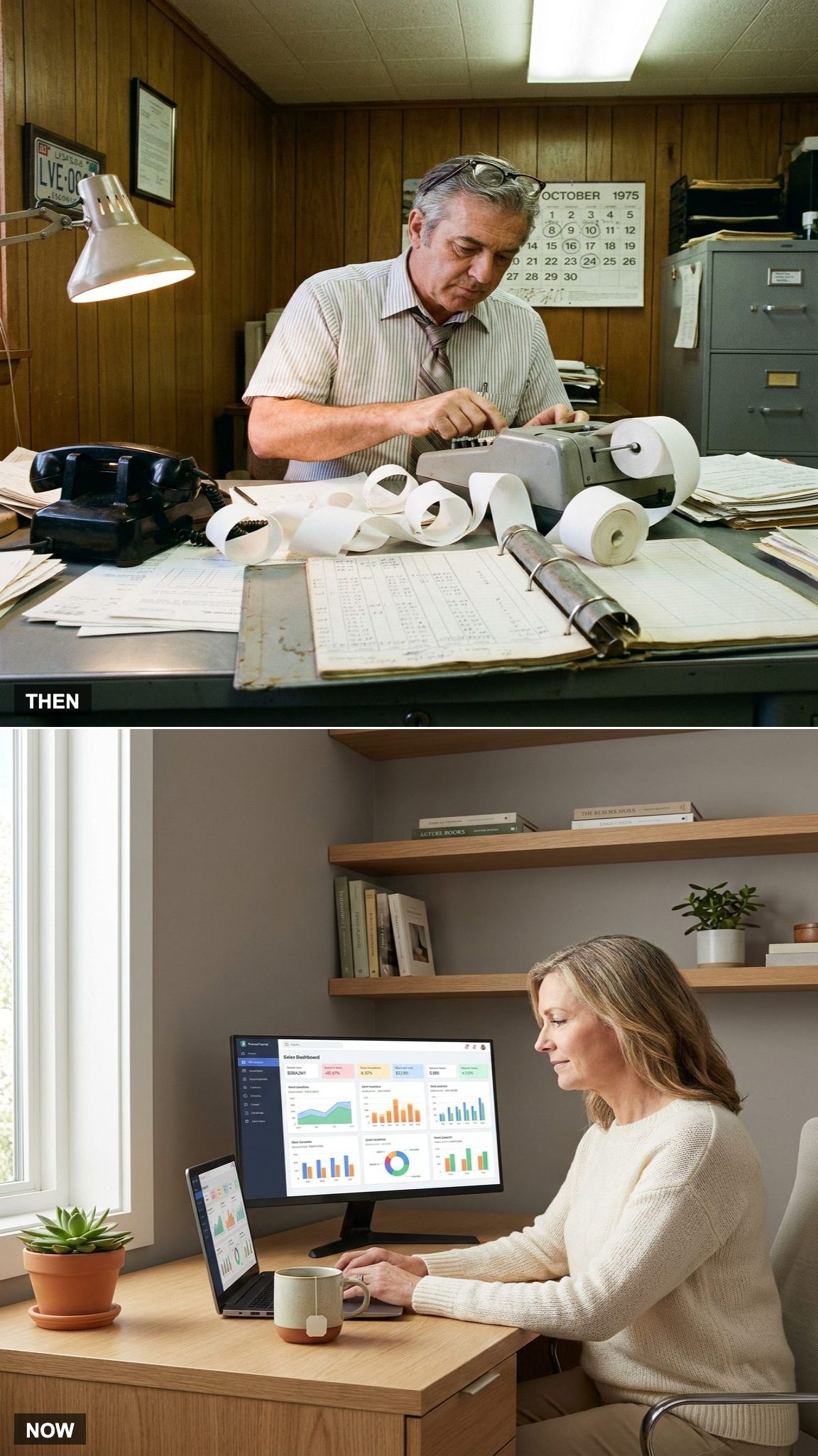
Running multiple stores once meant physically going where the information was. A manager checked the register, looked over the paperwork, talked to the staff, and carried whatever numbers mattered back to the office. If something unusual happened at another location, somebody had to call.
Cloud-based systems untethered the owner from the counter. Sales, refunds, unusual transactions, labor activity, and store-by-store performance can now be checked from a phone or laptop miles away.
That didn’t eliminate the need to visit the store. It changed what had to wait until you got there.
14. Inventory Counted by Hand vs. Inventory Updated With Every Sale
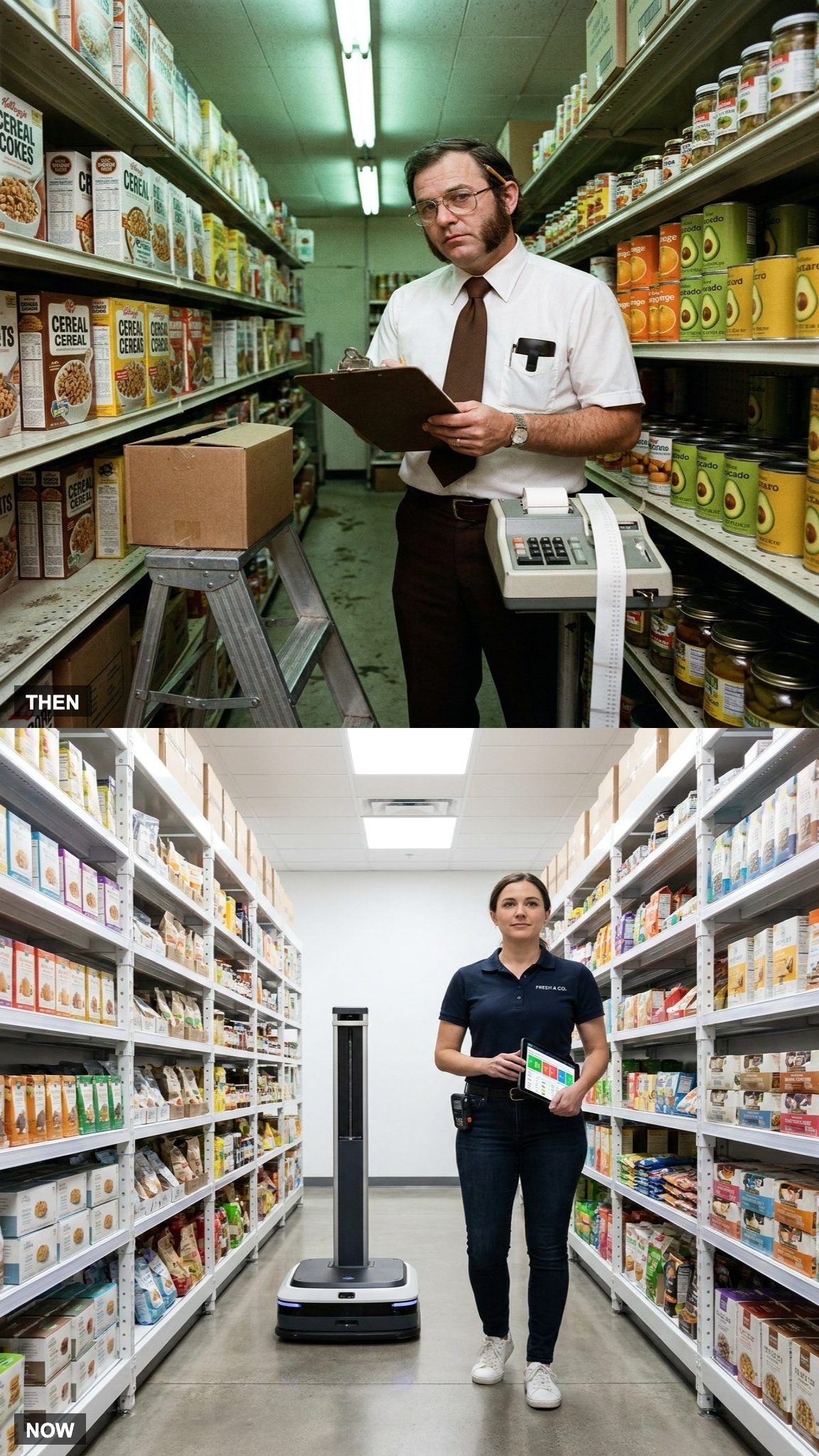
Inventory once meant clipboards, pencils, shelf counts, stockroom counts, and the uncomfortable discovery that the number on paper didn’t always match the number on the shelf.
Digital inventory systems can subtract an item the moment it sells, flag low stock, compare expected inventory with actual counts, and feed replenishment systems automatically. Physical counts still matter because theft, breakage, receiving errors, and plain human mistakes haven’t disappeared.
The difference is that today’s count can verify a running digital record instead of creating the record from scratch.
13. Writing a Check vs. Contactless Payment
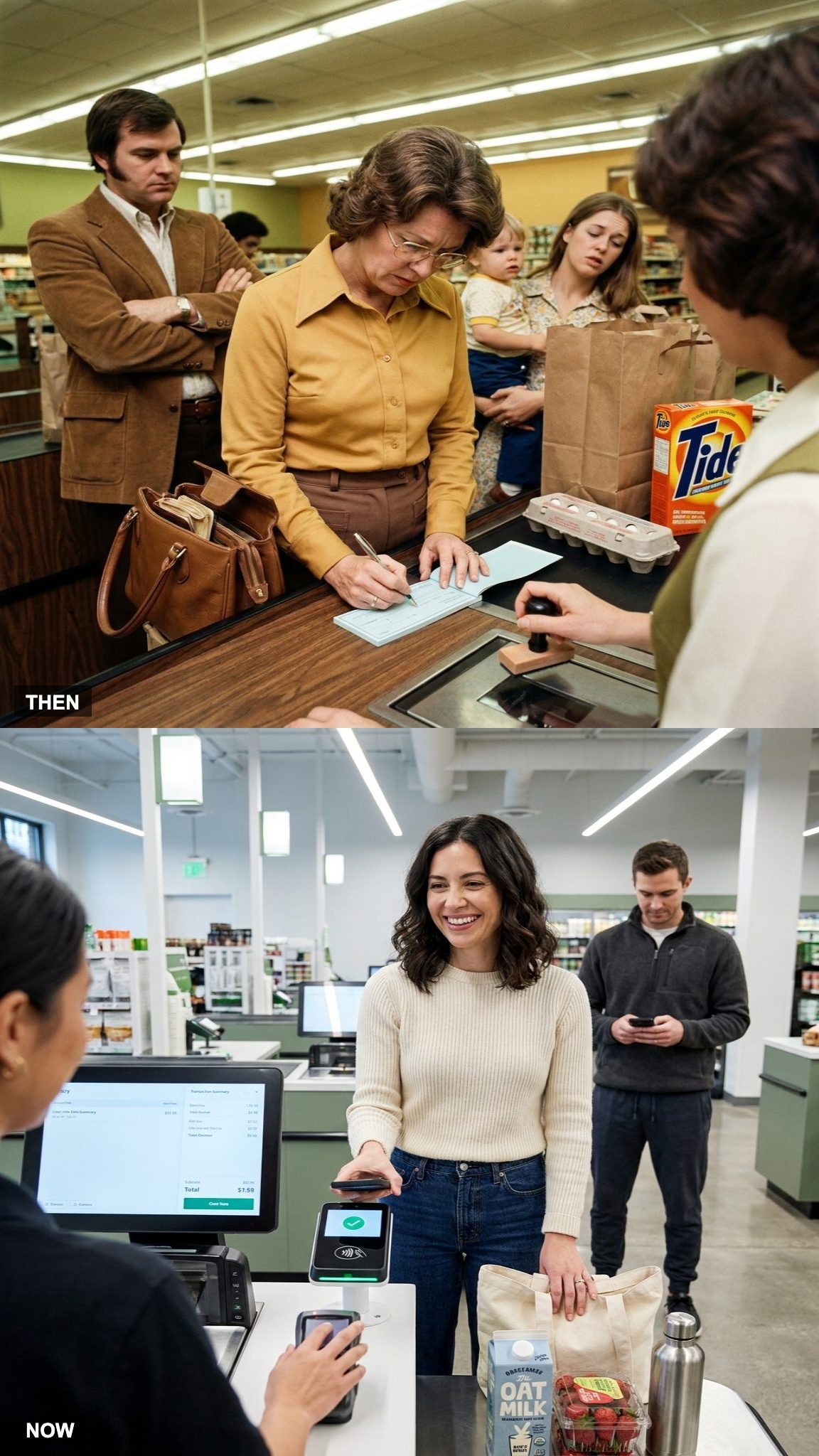
The check writer ahead of you could change the pace of an entire checkout lane. Date. Payee. Amount in numbers. Amount written out in words. Signature. Then perhaps an ID check or approval procedure before the transaction was finished.
A contactless card or phone can authorize a purchase in seconds. The money still has an elaborate financial journey behind the scenes, but almost none of that complexity is visible to the shopper standing at the terminal.
The old payment exposed the paperwork. The new one hides it.
12. Learning the Register by Watching a Veteran vs. Software Prompts
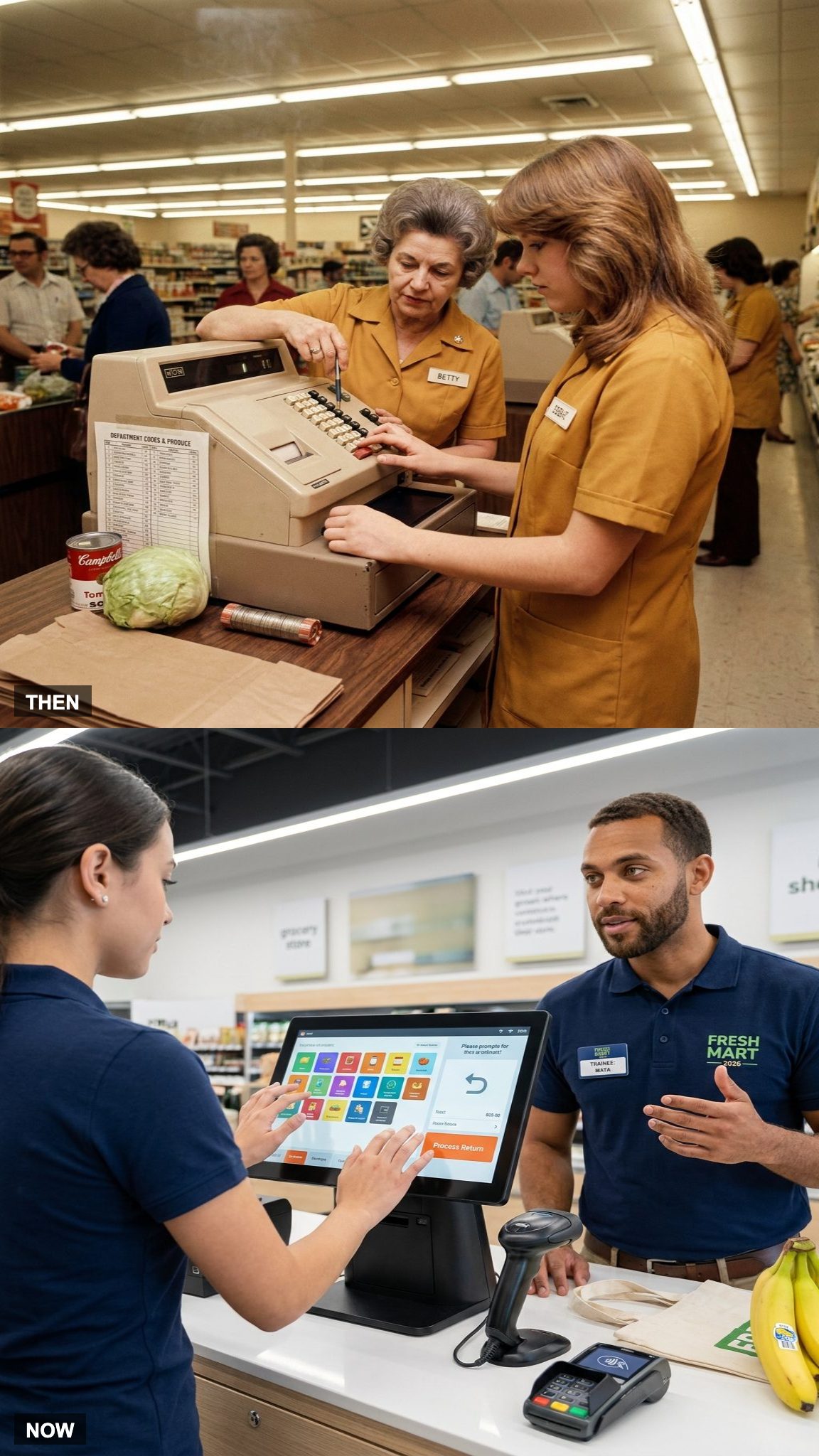
Training in 1975 could mean an experienced cashier standing nearby, correcting keystrokes, explaining department codes, showing where supplies lived, and teaching the store’s particular way of handling mistakes. Before barcode scanning reached most checkout lanes, there was simply more information the operator had to carry.
A touchscreen POS can put much of that knowledge directly on the screen. Product images, prompts, menus, permissions, and error messages guide the transaction while the employee is learning it.
The veteran coworker hasn’t disappeared. The machine simply joined the training department.
11. Newspaper Coupons vs. Digital Discounts
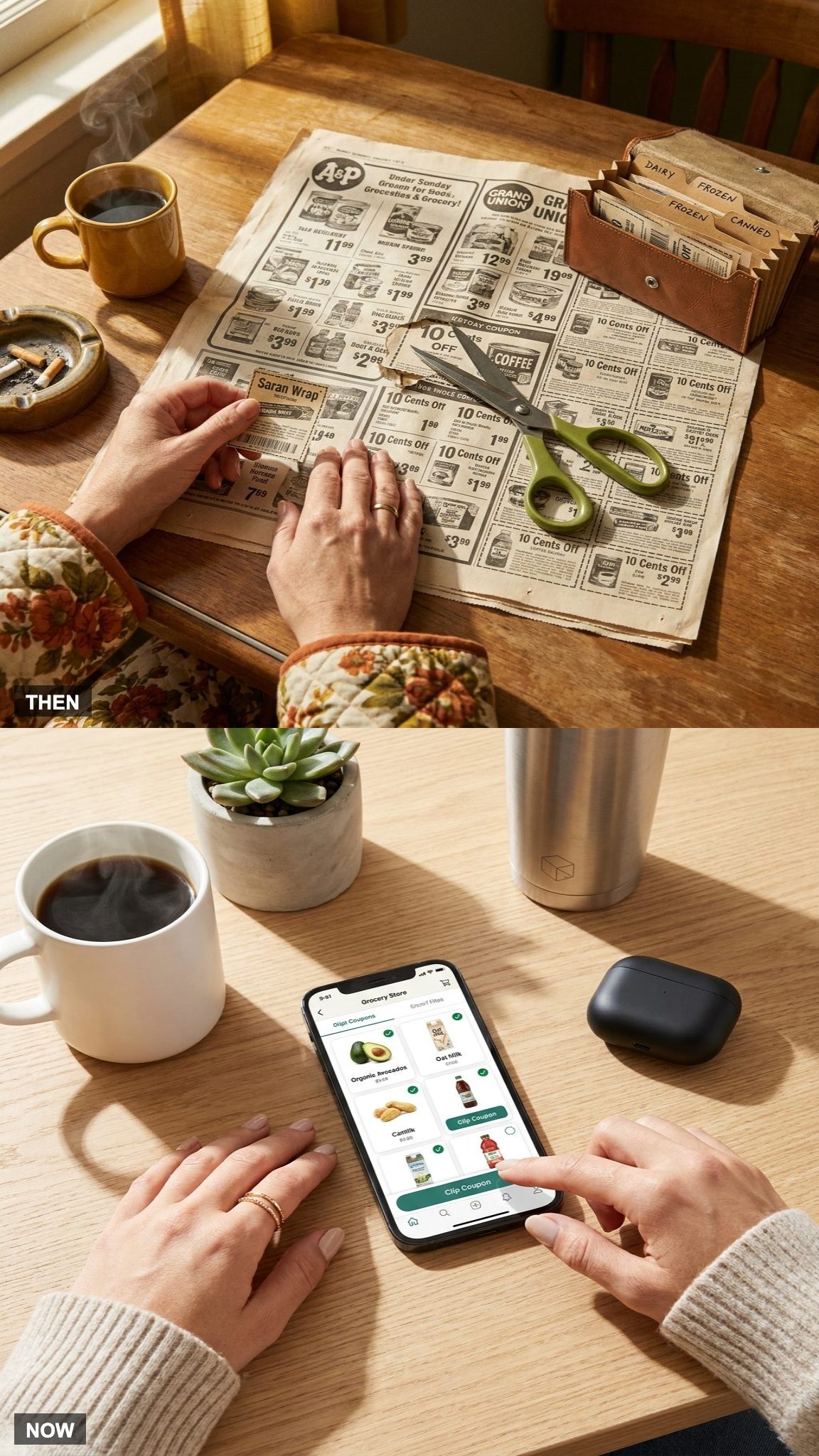
Sunday morning could involve coffee, the newspaper, and scissors. Coupons were clipped, saved, sorted, carried to the store, and occasionally discovered on the kitchen counter five minutes after somebody reached checkout.
Digital coupons removed the scissors. Offers can now be loaded to an account, activated in an app, or linked to a loyalty program before the customer reaches the store.
The discount survived. The little envelope full of newsprint had a rougher time.
10. Paper Loyalty Cards vs. Rewards in an App
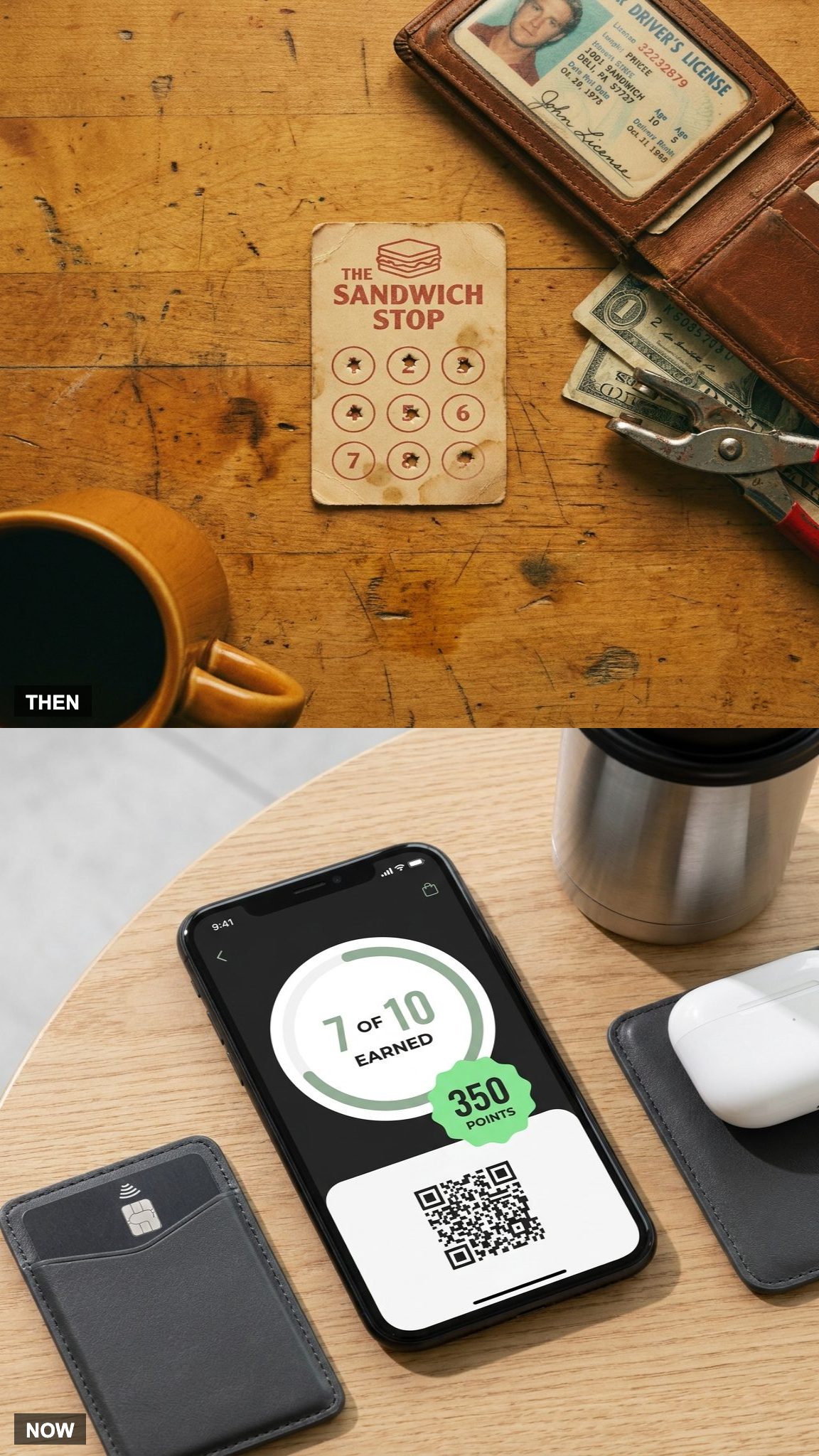
Small businesses have long found low-tech ways to reward repeat customers, including stamps, punch cards, coupons, and other paper systems. Their greatest enemy was often the customer’s wallet, where the card could disappear just before the final punch.
Today’s loyalty systems live in accounts and apps. Points accumulate automatically, offers can be personalized, and the customer doesn’t need to preserve a battered rectangle of cardboard for six months.
There’s another side to the bargain: the reward system can also record what you buy, when you buy it, and how often you come back. The punch card knew considerably less about you.
9. Face-to-Face Checkout vs. Self-Checkout
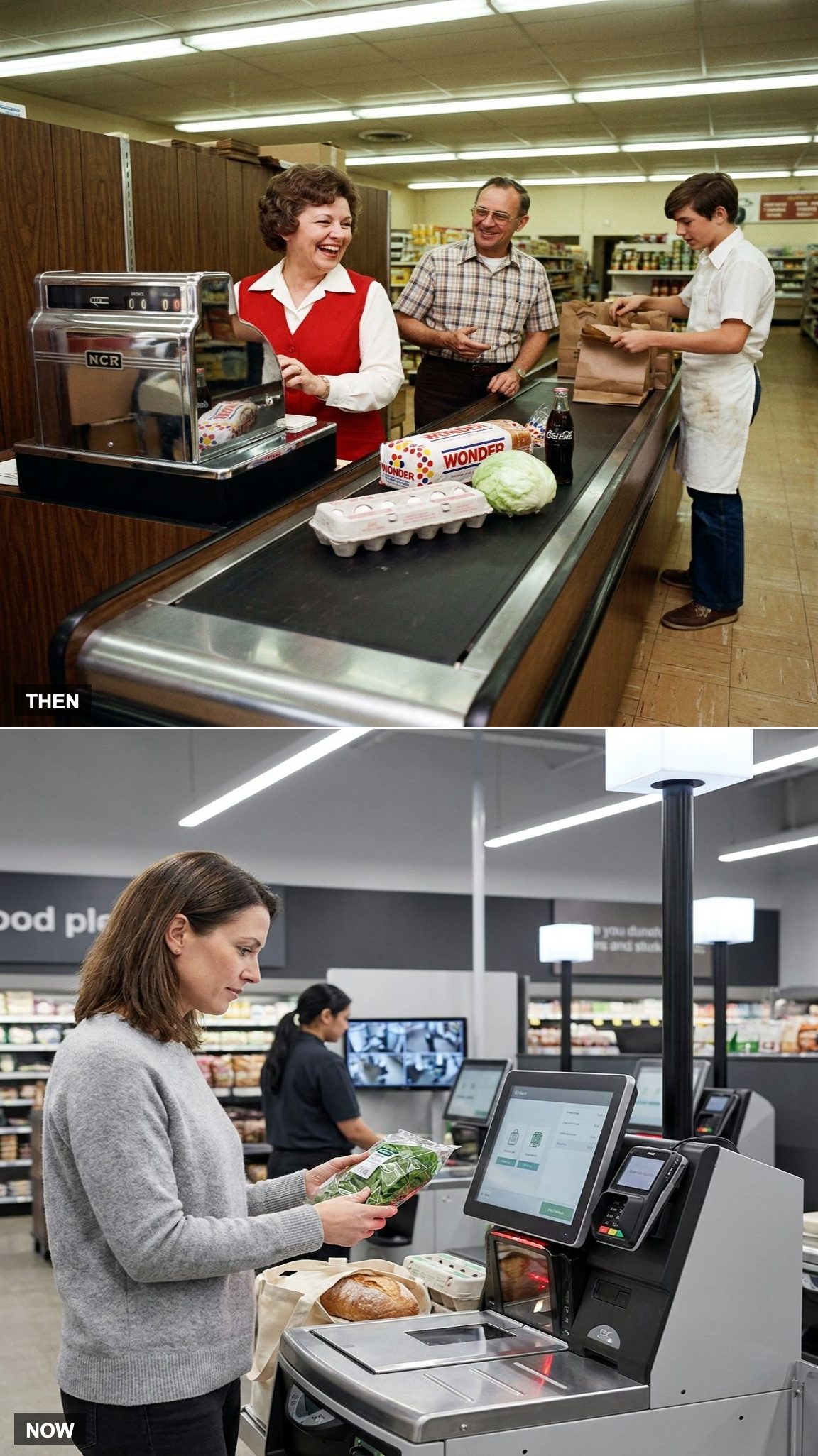
At a neighborhood store, the cashier might know your name, recognize the family, or remember that you always wanted paper instead of plastic. Even when nobody knew anybody, buying something generally meant interacting with another person.
Self-checkout made that conversation optional. Scan, bag, pay, leave. For shoppers who value speed or privacy, that’s a genuine improvement.
It also removed one of those tiny routine encounters that used to happen without anybody scheduling it. Efficiency rarely announces what disappears along the way.
8. Counting Change Back vs. Letting the Register Do the Math
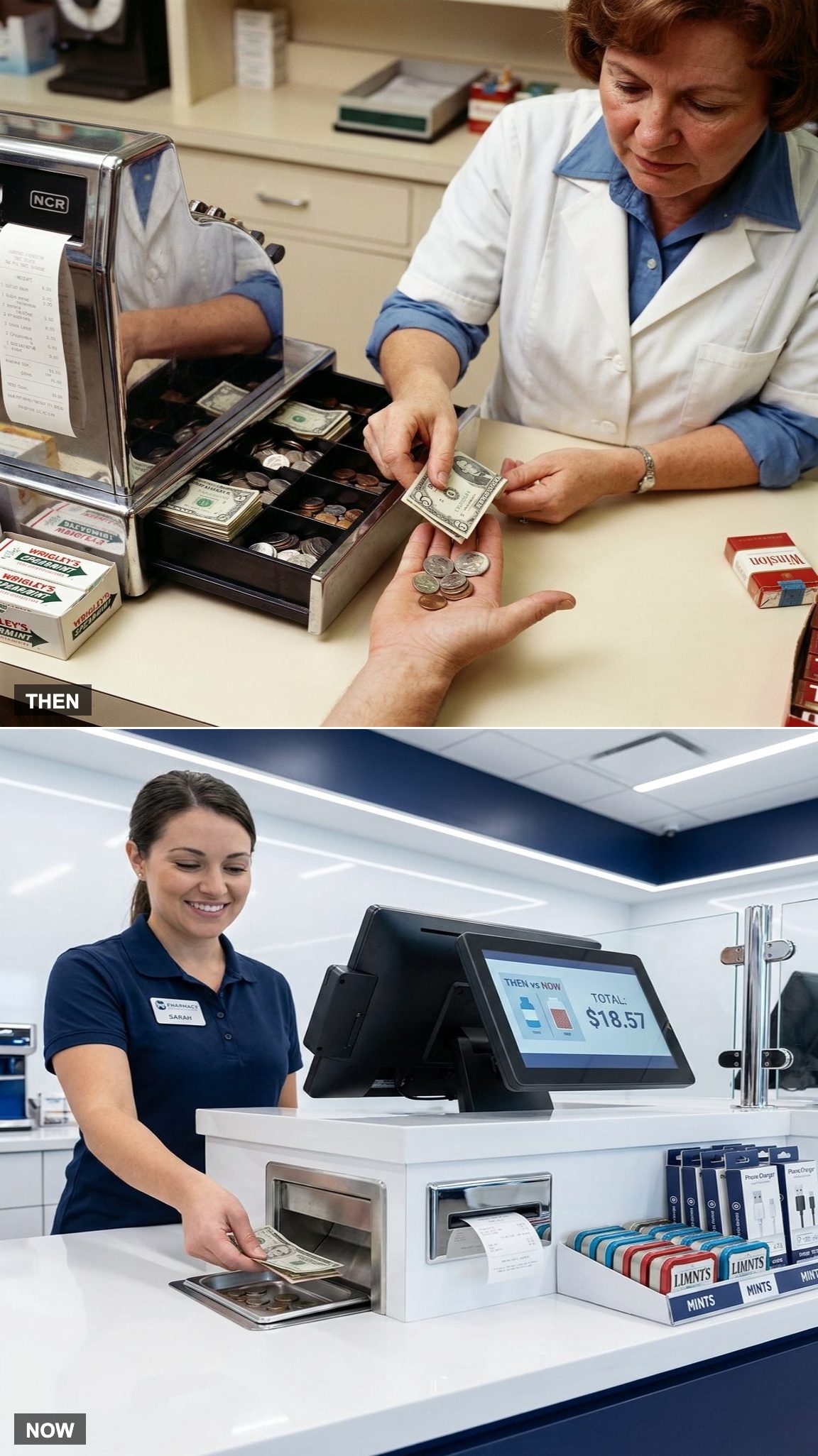
Counting change back was a practiced routine. Start with the purchase total, add coins until you reached the next dollar, then count bills until you reached the amount the customer had handed over.
Today’s registers display the change due automatically, and some checkout systems can even dispense coins themselves. The arithmetic became easier. The familiar little performance of counting upward across the counter mostly disappeared with it.
7. Weekend Checkout Lines vs. a Bank of Self-Service Kiosks
Would you like to save this?
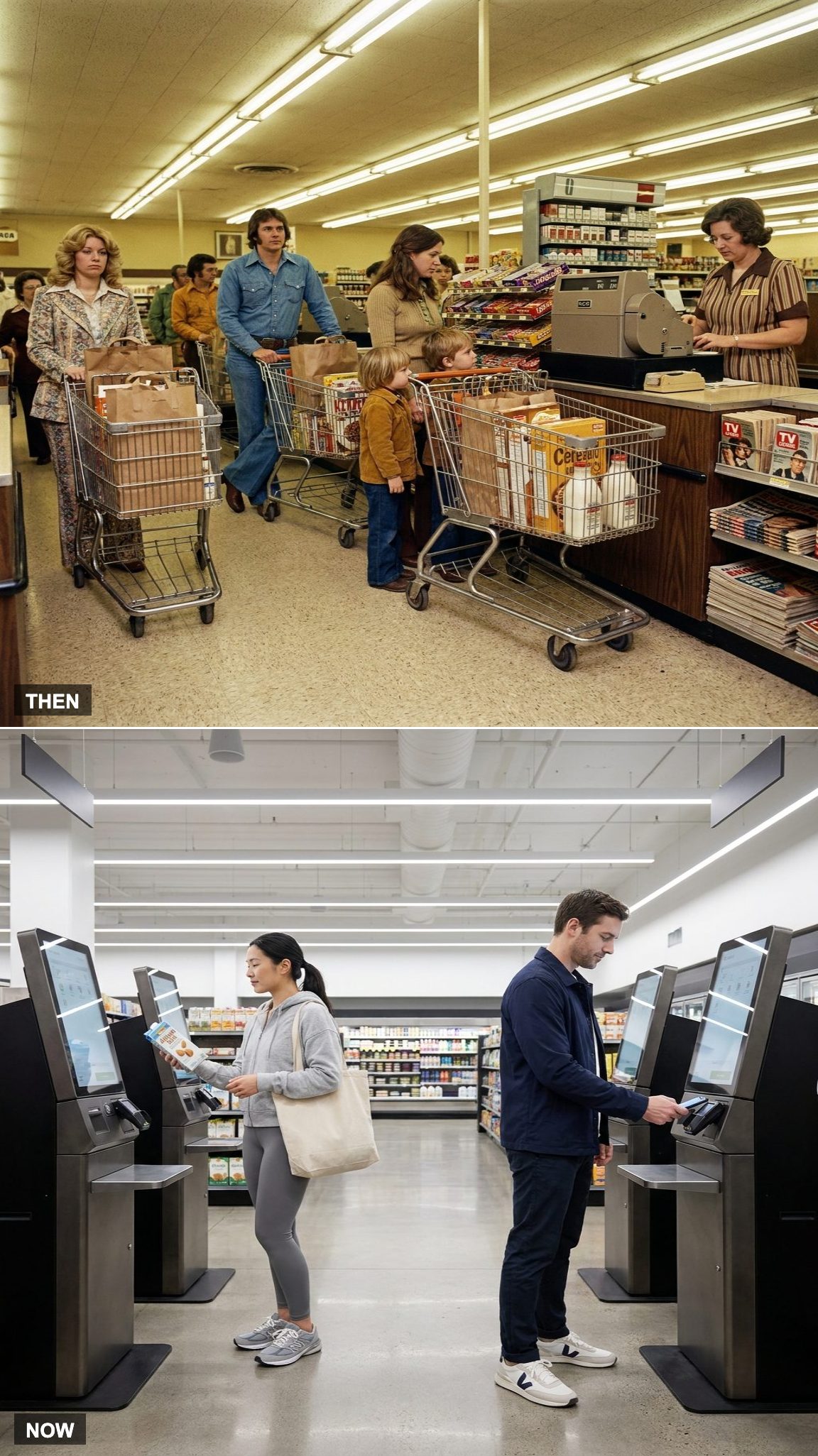
A busy Saturday checkout could turn lane selection into strategy. Which cashier was fastest? Who had the smallest cart? Was somebody three places ahead already opening a checkbook?
Self-checkout changed the geometry. Instead of one customer queueing behind one cashier, a cluster of kiosks can serve several shoppers at once, with one employee overseeing the area and stepping in when the machine decides something unexpected has happened.
6. A Register That Rang Sales vs. a System That Helps Run the Store
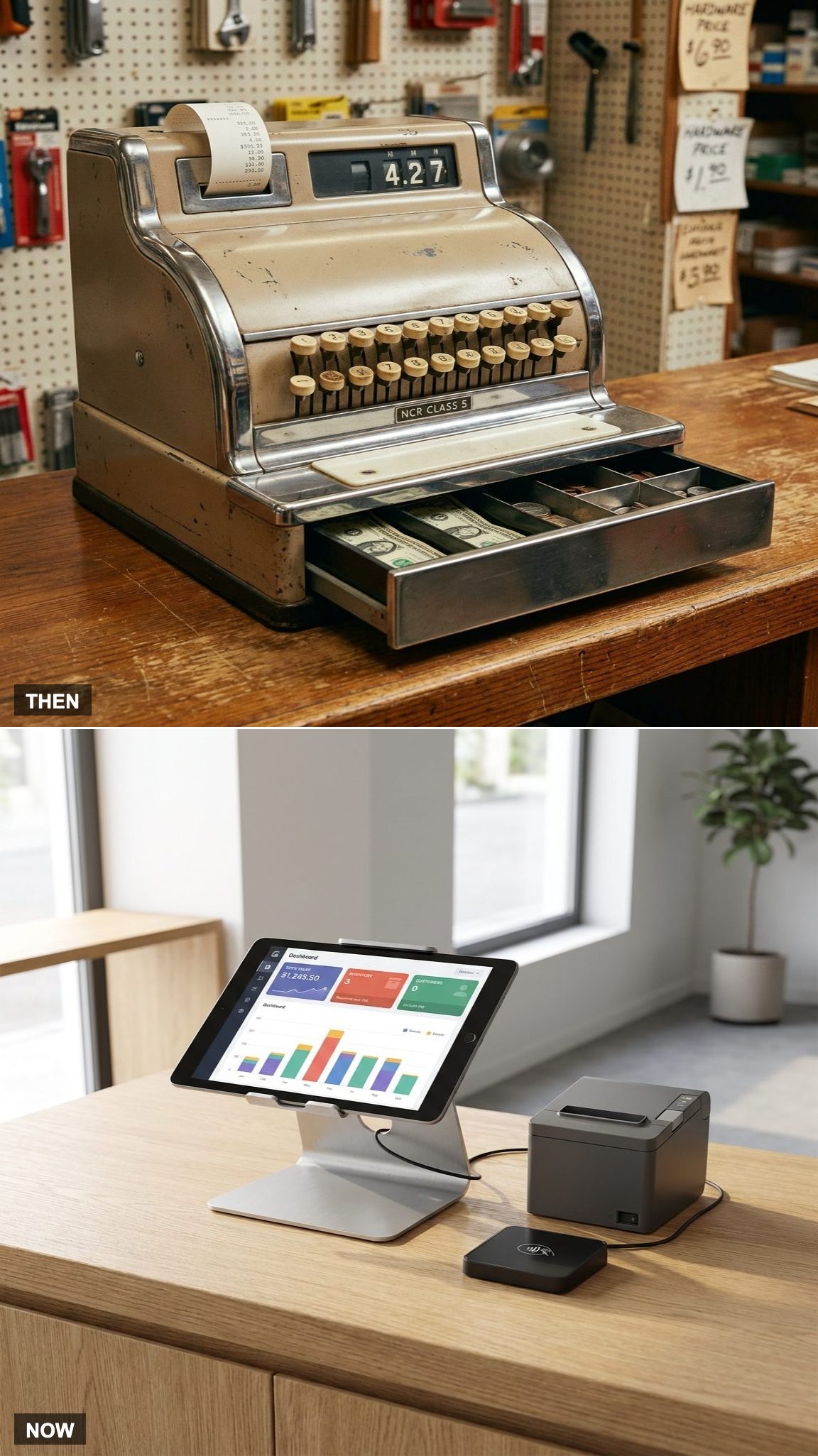
The traditional register’s world centered on the transaction: enter the sale, total it, open the drawer, record what happened.
A current POS can reach much farther into operations. Depending on the system, it may connect employee permissions, customer orders, inventory, product performance, online sales, pickup orders, and reporting to the same transaction that just happened at the counter.
The difference isn’t that today’s machine is better at opening a cash drawer. It’s that opening the drawer is now one of its least interesting jobs.
5. The Zip-Zap Card Imprinter vs. the Silent Tap of a Phone
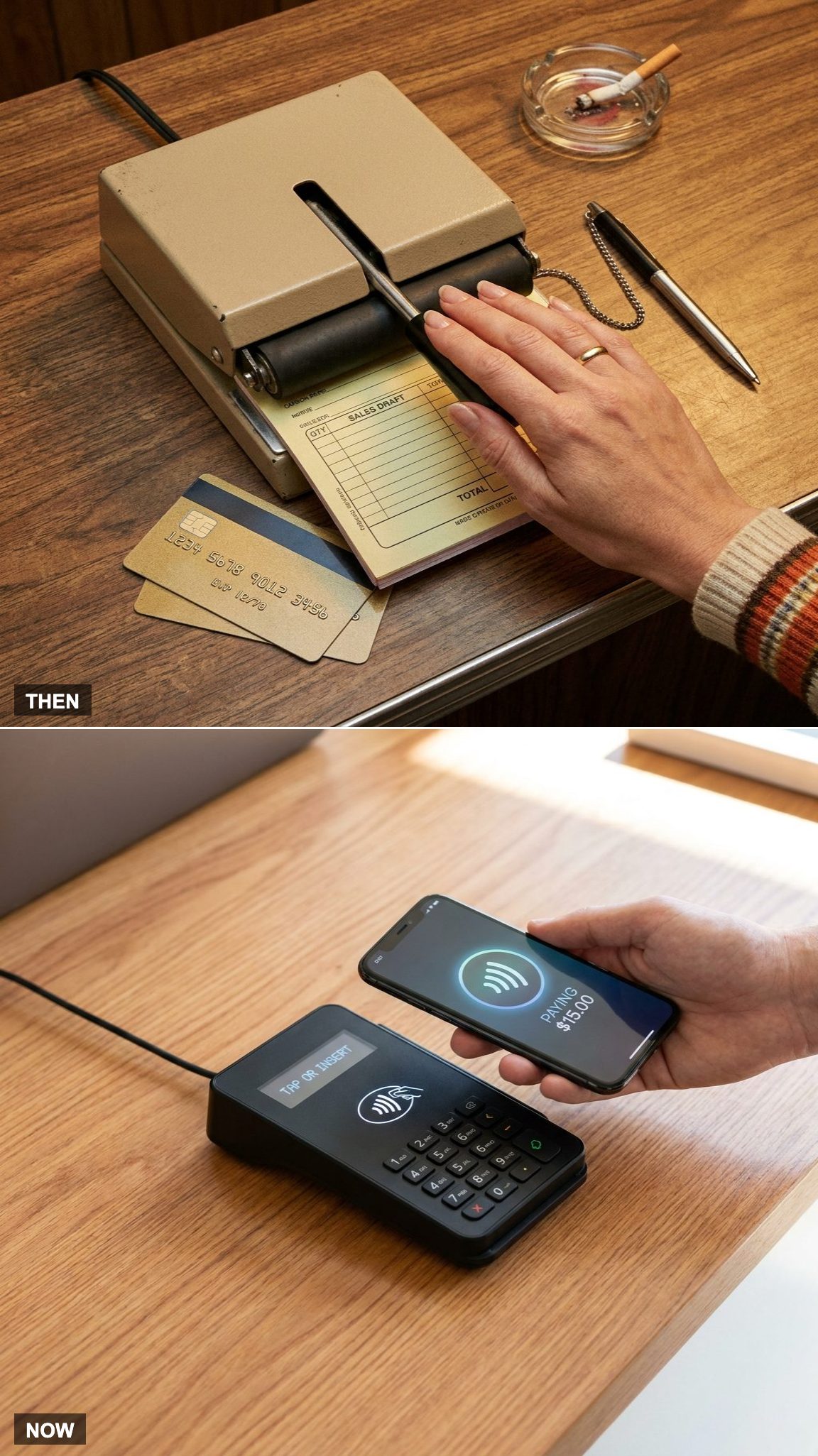
Credit cards could bring their own piece of countertop machinery. The manual imprinter pressed the card’s raised information onto a multipart sales form with a hard sliding motion that earned the machines their famous “zip-zap” or “knuckle-buster” nicknames.
Contactless payment does the opposite. No carbon paper, no embossed numbers pressed into a form, and often no signature. Hold a card, phone, or watch near the reader and the authorization begins electronically.
4. Waiting at the Register vs. Scanning as You Shop
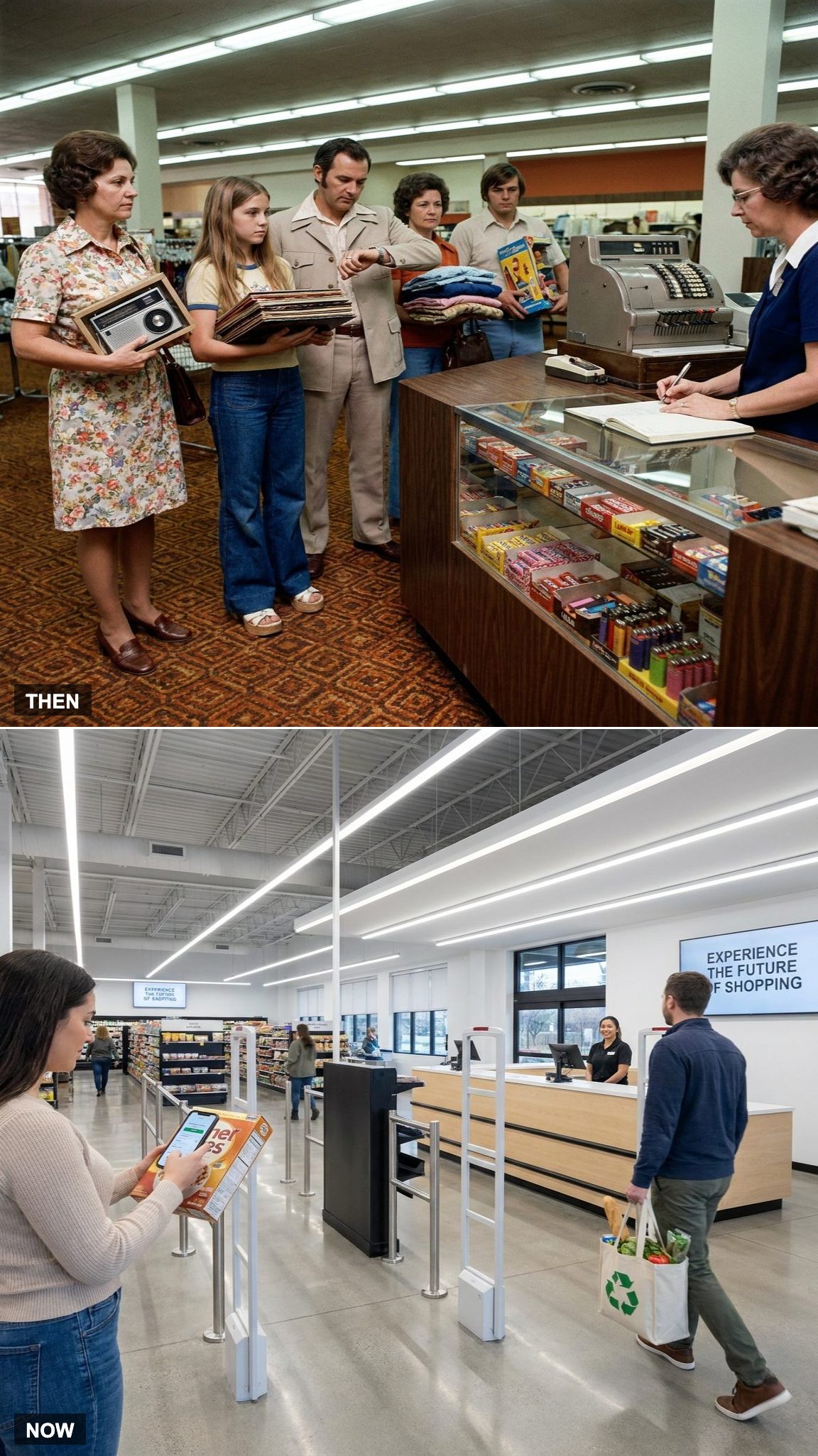
For most shoppers in 1975, checkout was a fixed destination. Whatever you bought eventually had to reach the register, and whatever line had formed there became part of the purchase.
Scan-and-go systems challenge that arrangement. At participating retailers, shoppers can scan merchandise while moving through the store, total the order digitally, and complete payment with far less time at a conventional checkout station.
The register hasn’t vanished. For some purchases, though, the journey no longer has to end there.
3. Cash Handling as a Craft vs. Software Guardrails
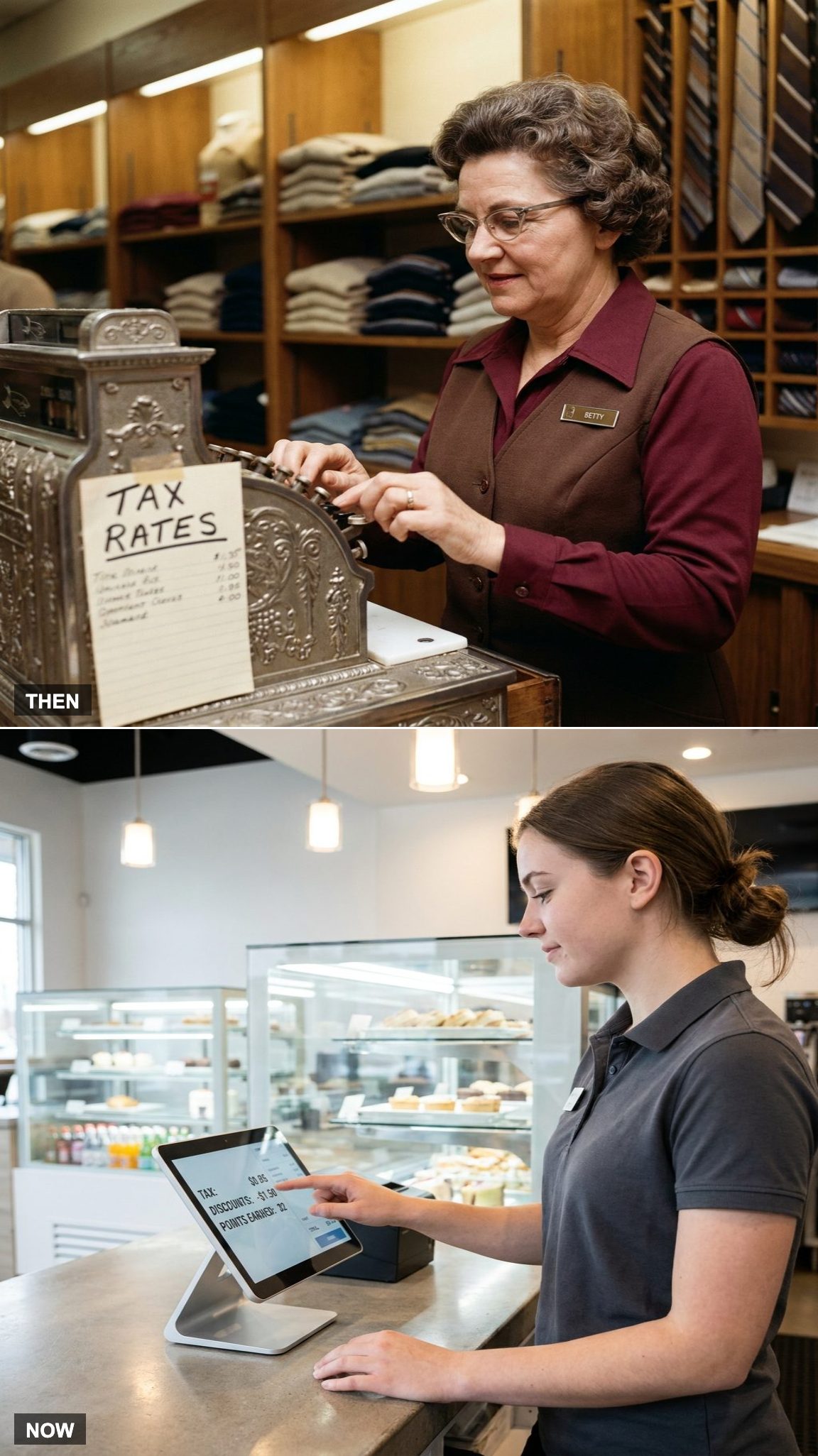
A strong cashier once developed a collection of practical habits that weren’t written on the keys. How to keep the drawer organized. How to count money without losing track. How to recognize a suspicious bill. How to correct a mistake without making the line collapse behind you.
Those skills haven’t vanished, but software now surrounds them with guardrails. Permissions control sensitive transactions, the system records voids and refunds, payment terminals handle authorization, and prompts warn when something falls outside the normal flow.
The job still requires judgment. Far fewer decisions have to begin from a blank screen.
2. The Register as the Store’s Beating Heart vs. Technology Everywhere
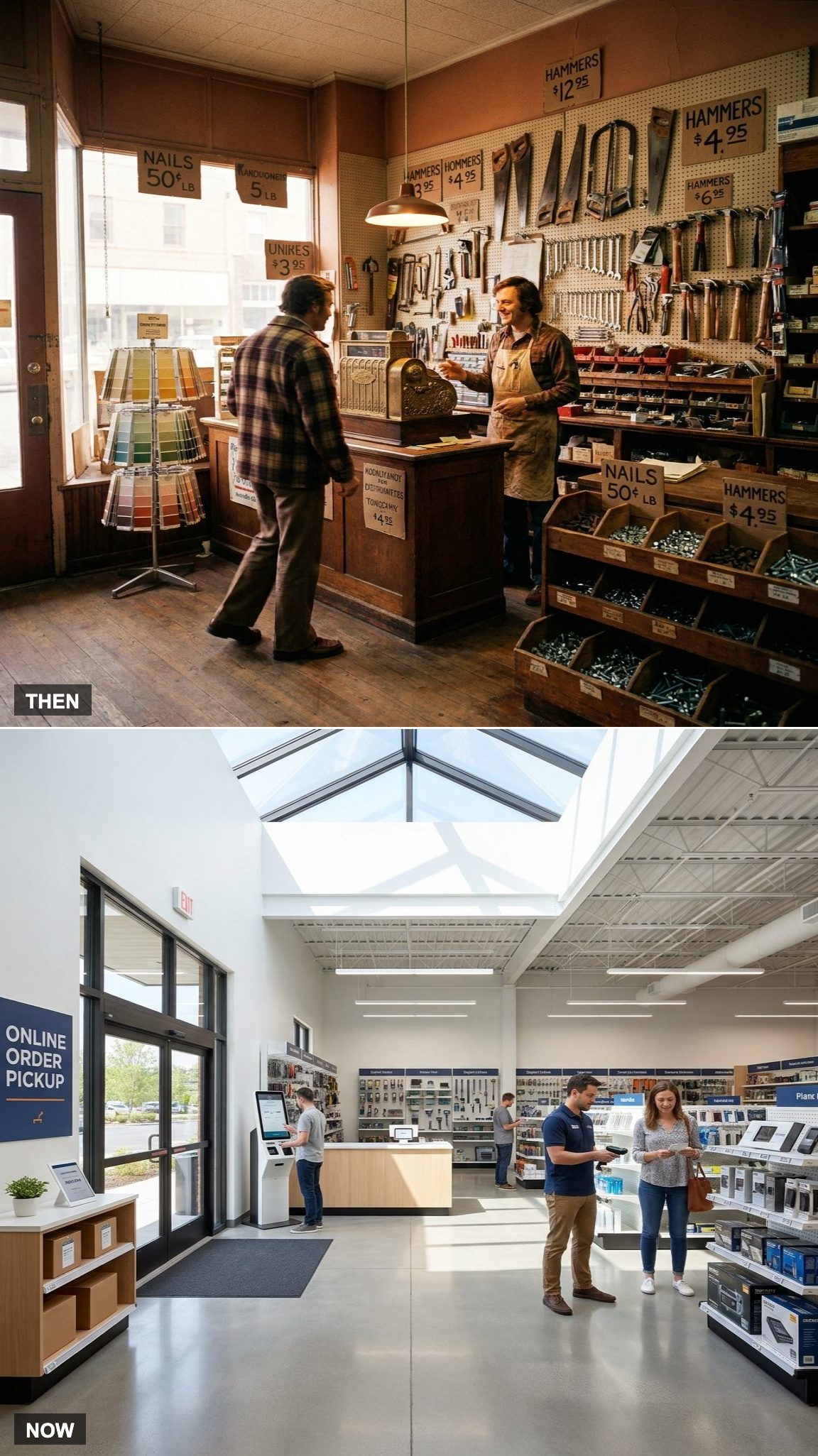
Walk into many older stores and the checkout counter was the obvious center of gravity. The register occupied prime real estate, customers moved toward it, employees worked around it, and almost every sale physically converged on that spot.
Retail technology is much harder to point at now. Handheld scanners, mobile checkout devices, online orders, pickup systems, digital shelf labels, self-checkout lanes, and back-office software spread the transaction across the building.
The store still has a pulse. It just isn’t all coming from one metal box on the counter anymore.
1. A Machine That Recorded Sales vs. a Platform That Connects Everything
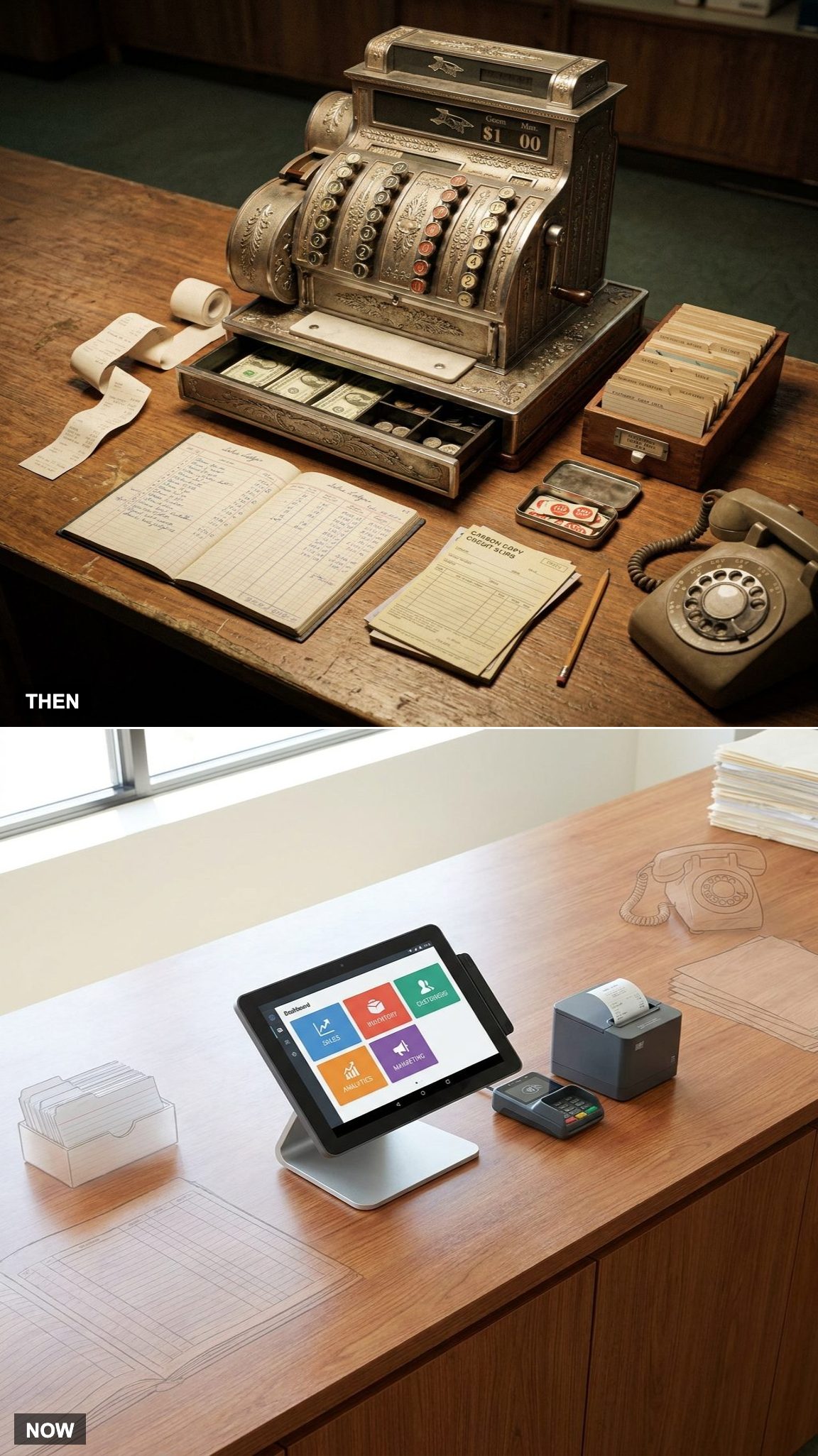
The 1975 register recorded a transaction, while much of the surrounding business lived somewhere else. Customer information might sit in an index-card box. Inventory lived on count sheets. Accounts occupied ledgers and folders. A mailing list had its own place. None of those systems necessarily knew what the others were doing.
A POS platform today can connect the sale to inventory, customer records, reporting, online orders, marketing tools, and accounting software. Information that once had to be copied from one system to another can move automatically.
That may be the biggest change of all. The register used to be a machine sitting on the counter.
Now it’s part of the store’s nervous system.